How to Type Subscript in Word [Shortcuts & Ribbon Guide]

How To Type Subscript In Word

₂ 📋 Click to Copy ₂ System / Method Shortcut or Code Notes Windows Word Shortcut CTRL + = Primary Microsoft toggle Alternative Word Shortcut CTRL + SHIFT + – Secondary legacy shortcut Word Ribbon Method Home > x₂ Visual mouse interface Excel Formula Generation =CHAR(8322) Generates UNICODE subscript UNICODE HEX Standard U+2082 Standard low-line … Read more

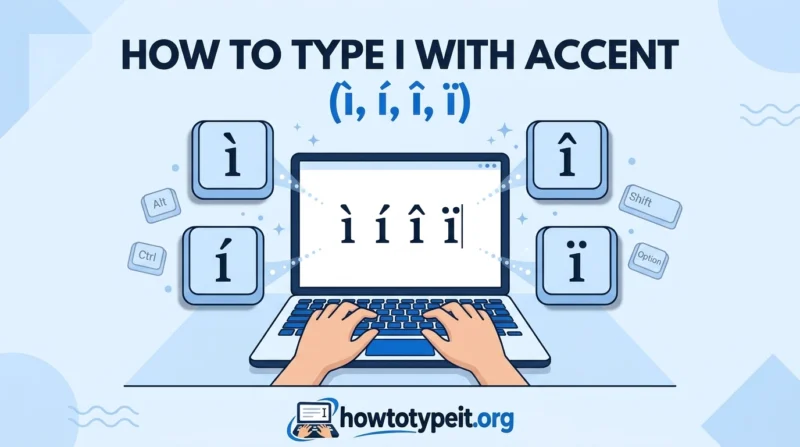
How to Type I with Accent (ì, í, î, ï) – Windows, Mac, & Word Shortcuts

How To Type With Accent

íCopyÍCopyìCopyÌCopyîCopyÎCopyïCopyÏCopy Table of Contents⌃ Master Character Reference Matrix Windows Input Methods Macintosh Input Methods Microsoft Word and Advanced Equations Mobile and Touchscreen Input Frequently Asked Questions Master Character Reference Matrix The following data table outlines the complete collection of accented I variants, pairing every lowercase and uppercase glyph with its corresponding decimal ALT code, Mac … Read more

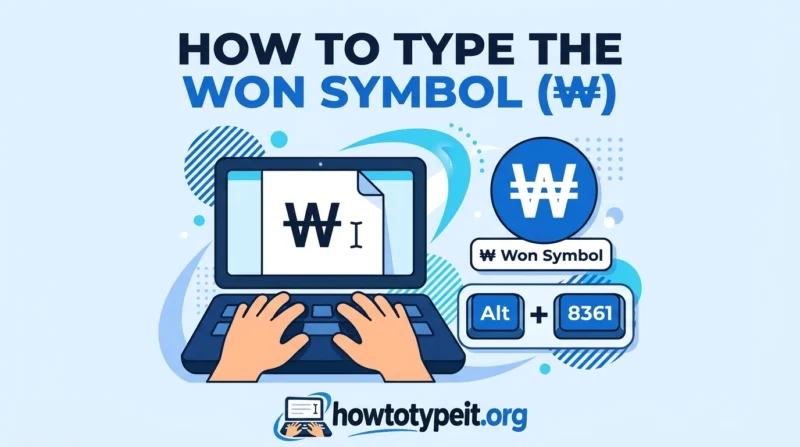
How to Type the Won Symbol (₩) – Windows, Mac, Word Shortcuts

How To Type The Won Symbol

₩ 📋 Click to Copy ₩ Won Symbol Quick Reference Matrix System / Method Shortcut or Code Notes Windows ALT Code ALT + 8361 Use physical numeric keypad Mac Shortcut Option + 20A9 Requires UNICODE HEX Input layout Word Shortcut 20A9 then ALT+X Instant HEX-to-UNICODE conversion UNICODE U+20A9 Standard hexadecimal codepoint HTML Entity ₩ Decimal … Read more

Steam Keyboard Shortcuts for Top Gamers: PC & Deck Guide

Steam Keyboard Shortcuts For Top Gamers

Quick Diagnostic Overview & Root Causes: Overlay failure: Verify global Steam Overlay settings and check for conflicting third-party injection software like Discord or RivaTuner. Input lag: Confirm USB polling rates or re-calibrate Steam Deck controller layouts via the controller settings menu. Unresponsive on-screen keyboard: Reset controller firmware or restart the Steam client service to clear … Read more

Fix ALT Key Not Working on Keyboard: Complete Troubleshooting Guide

Fix Alt Key Not Working On Keyboard

Quick Diagnostic Overview & Root Causes: Modifier state locking or physical key switch mechanical failure. Windows accessibility settings interfering with key registration (Sticky Keys or Filter Keys). Corrupted, outdated, or misconfigured USB/Bluetooth keyboard drivers. Incorrect input language layout active or conflicting shell utilities. Table of Contents⌃ Diagnosing the Issue: Is It Hardware or Software? Adjusting … Read more