How to Type N Tilde (ñ / Ñ): ALT Codes & Shortcuts Guide
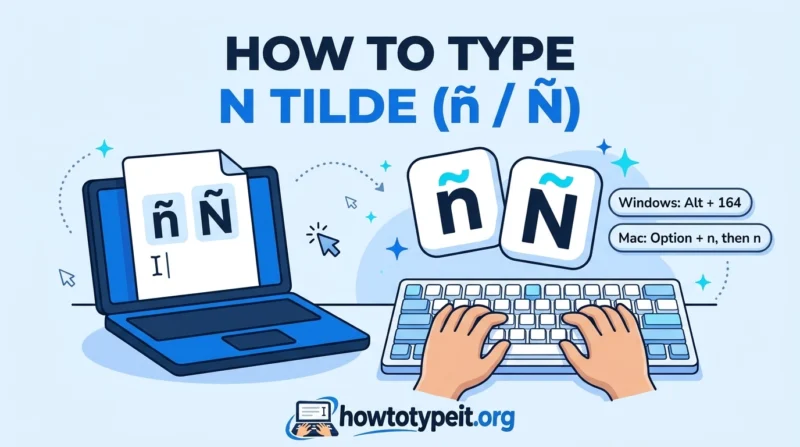
Need to type the ñ or Ñ? This guide makes it easy! Discover the quickest ways how to type n tilde on your computer, whether you\’re on Windows, Mac, or using Word.

 admin
Need to type the ñ or Ñ? This guide makes it easy! Discover the quickest ways how to type n tilde on your computer, whether you\’re on Windows, Mac, or using Word.
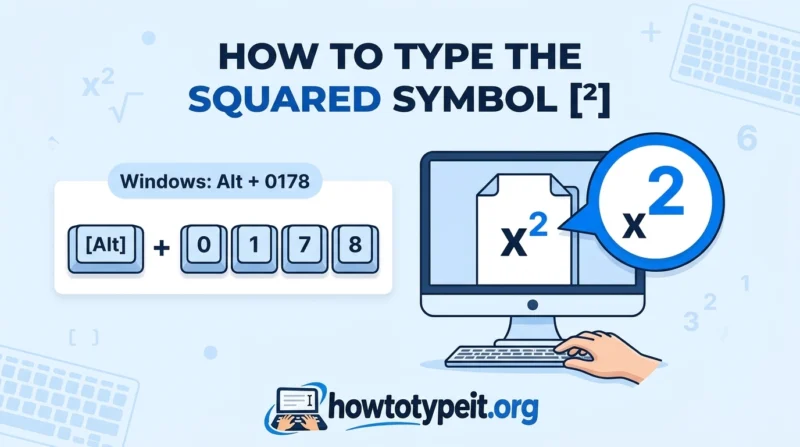
² 📋 Click to Copy ² System / Method Shortcut or Code Notes Windows ALT Code ALT + 0178 Use numeric keypad with NUM LOCK active Mac Shortcut OPTION + 00B2 Standard character viewer or HEX input Word Shortcut 00B2 then ALT + X Converts HEX code to superscript two UNICODE U+00B2 Standard hexadecimal identifier … Read more
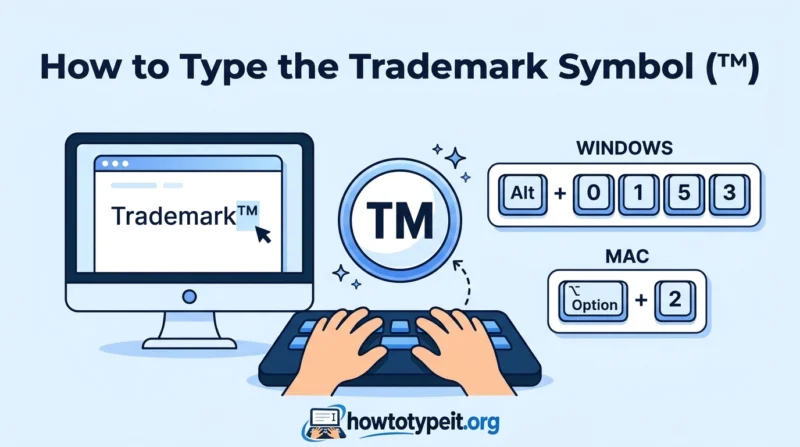
Unlock the secret to using the tm symbol! Discover simple shortcuts for Windows and Mac, plus quick copy-paste options. Add that trademark touch effortlessly.

₀Copy₁Copy₂Copy₃Copy₄Copy₅Copy₆Copy₇Copy₈Copy₉Copy Table of Contents⌃ Understanding Subscript Formatting Versus Unicode Glyphs How to Subscript in Microsoft Word How to Subscript in Google Docs How to Subscript in Microsoft Excel Frequently Asked Questions UNICODE Subscript Character Reference Symbol Description UNICODE HEX UNICODE DEC ₀ Subscript Zero U+2080 8320 ₁ Subscript One U+2081 8321 ₂ Subscript Two U+2082 … Read more

ñCopyÑCopyńCopyŃCopyňCopyŇCopyǹCopyǸCopyņCopyŅCopy Table of Contents⌃ Understanding the Accented N Family How to Type Accented N on Windows How to Type Accented N on Mac Typing N with Accents on Mobile Devices Understanding the Accented N Family The accented N character set is not a single glyph, but rather a collection of distinct letters used across Spanish, … Read more

∩ 📋 Click to Copy ∩ System / Method Shortcut or Code Notes Windows ALT Code ALT + 8745 Use numeric keypad Mac Shortcut Character Viewer Open via CTRL+CMD+SPACE Word Shortcut 2229 then ALT+X Converts UNICODE HEX instantly UNICODE U+2229 Standard hexadecimal designation HTML Entity ∩ or ∩ Web and markup safe Table of Contents⌃ … Read more
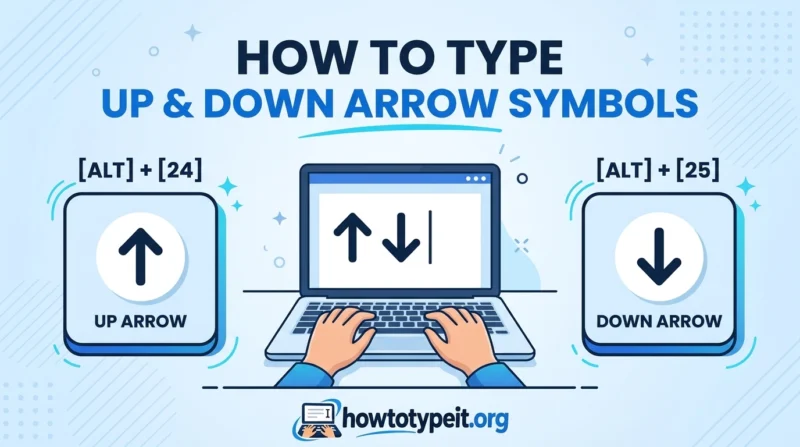
Want to add ↑ and ↓ symbols? Discover the simple tricks to type the up and down arrow symbol on keyboard across all your devices and apps.
Quick Diagnostic Overview & Root Causes: PDF files lack native word processor text layers unless explicitly designed as interactive fillable forms. Standard typing actions require active selection of software-specific text or typewriter tools rather than direct cursor placement. Security restrictions, digital signatures, or flattened raster layouts can completely block text entry attempts. Table of Contents⌃ … Read more
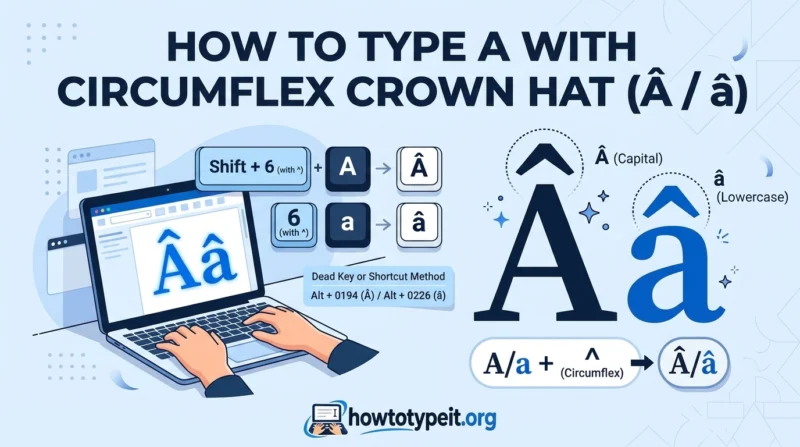
â 📋 Click to Copy â System / Method Shortcut or Code Notes Windows ALT Code ALT + 0226 (â) / ALT + 0194 (Â) Use numeric keypad Mac Shortcut Option + I, then A Dead-key circumflex method Word Shortcut 00E2 then ALT + X Converts UNICODE HEX to glyph UNICODE U+00E2 / U+00C2 Standard … Read more

£ 📋 Click to Copy £ System / Method Shortcut or Code Notes Windows ALT Code ALT + 0163 Use numeric keypad Mac Shortcut Option + 3 Direct key combination Word Shortcut 00A3 then ALT + X HEX-to-UNICODE conversion UNICODE U+00A3 Standard HEX code HTML Entity £ or £ Web safe encoding Table of Contents⌃ … Read more