Keys Not Working on Laptop? Step-by-Step Fix Guide

Keys Not Working On Laptop

Quick Diagnostic Overview & Root Causes: Checkpoint 1: Test with the On-Screen Keyboard (WIN + CTRL + O) to separate hardware faults from OS glitches. Checkpoint 2: Toggle off accessibility traps like Sticky Keys and Filter Keys in Windows settings. Checkpoint 3: Reinstall standard keyboard drivers inside Windows Device Manager and restart your laptop. Table … Read more
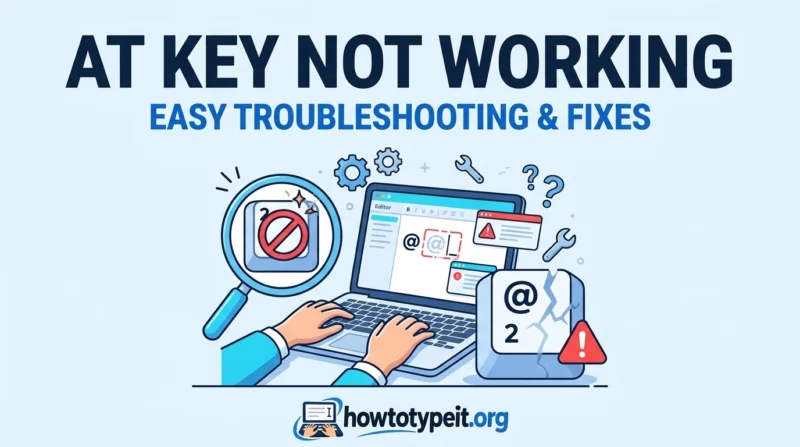
At Key Not Working? Fixes for the @ Symbol on Windows & Mac

At Key Not Working

Quick Diagnostic Overview & Root Causes: Keyboard language layout mismatch (most common cause of swapped characters). Physical debris or membrane failure beneath the SHIFT or number 2 keys. Num Lock disabled while attempting to execute numeric keypad ALT codes. Table of Contents⌃ Understanding Why the At Key Stops Working How to Type the @ Symbol … Read more

How Many Keys Are There on a Keyboard? Complete Layout Guide

How Many Keys Are There On Keyboard

Quick Diagnostic Overview & Root Causes: Total key counts vary widely based on regional layouts, form factors, and manufacturer specifications. U.S. standard full-size keyboards use 104 keys (ANSI), while European models use 105 keys (ISO). Compact layouts eliminate the numeric keypad or function row, dropping key counts down to 87, 83, or 61 keys. Table … Read more

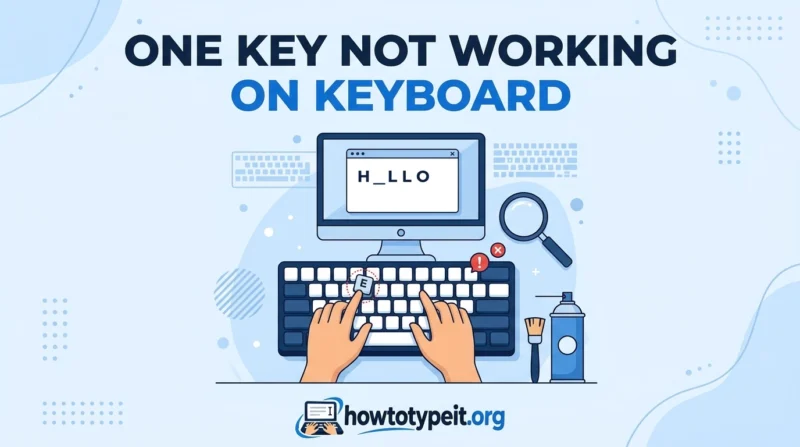
One Key Not Working on Keyboard? Fast Fixes & Troubleshooting Guide

One Key Not Working On Keyboard

Quick Diagnostic Overview & Root Causes: Physical obstruction or liquid residue trapped beneath the individual key switch or membrane. Software conflicts, background macros, or active accessibility features such as Filter Keys or Sticky Keys. Corrupted or outdated Windows/macOS keyboard drivers preventing proper scancode translation. Table of Contents⌃ Diagnosing Your Non-Working Keyboard Key Quick Hardware Fixes … Read more