
| System / Method | Shortcut or Code | Notes |
|---|---|---|
| Windows ALT Code | ALT + 0235 (lowercase) / 0203 (uppercase) | Requires numeric keypad |
| Mac Shortcut | OPT + U, then E | Dead-key diaeresis sequence |
| Word Shortcut | EB then ALT + X | Converts HEX to UNICODE |
| UNICODE | U+00EB / U+00CB | Standard HEX code points |
| HTML Entity | ë / ë | Web safe representations |
Quick Copy and Paste E with Two Dots
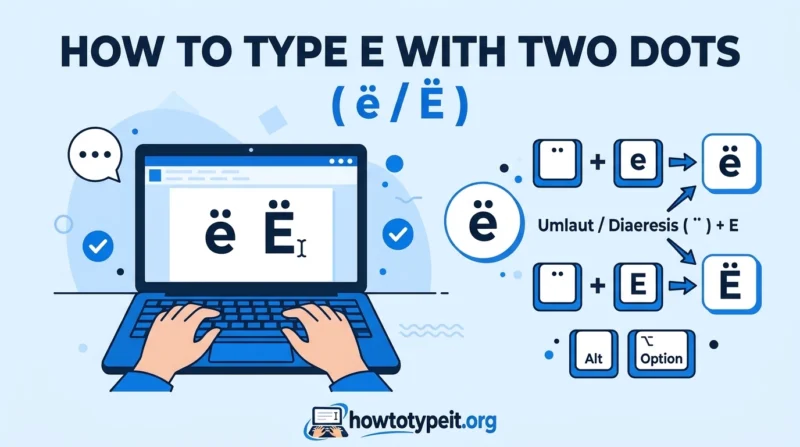
If you need to insert the letter E with two dots immediately into your document, spreadsheet, or messaging application, you can use the instant copy blocks below. The character ë functions as a lowercase letter with a diaeresis, while Ë serves as the uppercase equivalent.
Lowercase E with Diaeresis
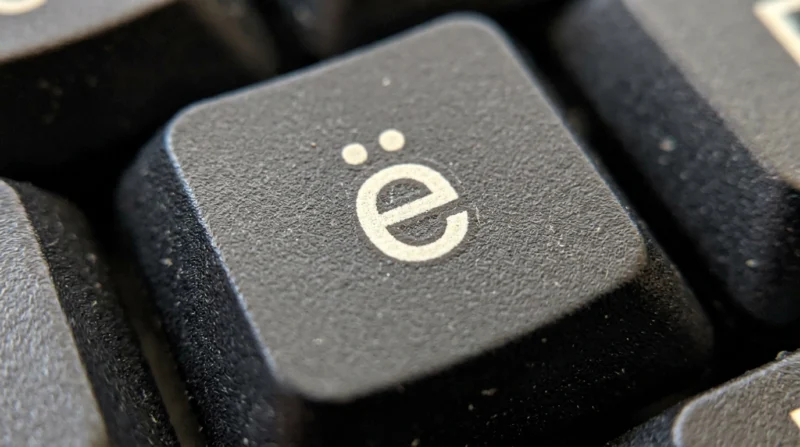
Target character: ë (UNICODE U+00EB). Commonly used in French, Dutch, and English loan words like naïve or Brontë to signal that a vowel is pronounced independently of the vowel preceding it.
Uppercase E with Diaeresis
Target character: Ë (UNICODE U+00CB). Required at the beginning of proper nouns or at the start of sentences in languages utilizing the diaeresis mark.
How to Type E with Two Dots on Windows
Windows operating systems offer multiple pathways to output accented characters depending on the hardware configuration and application in use.
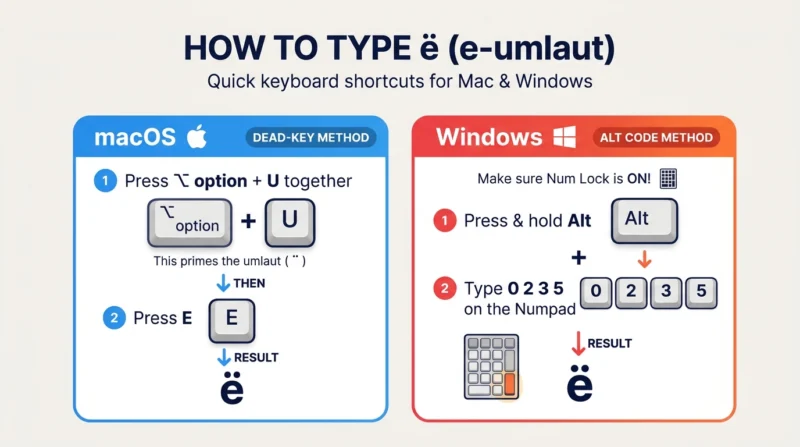
Using Numeric Keypad ALT Codes
Physical keyboards equipped with a dedicated numeric keypad can utilize direct ASCII and ANSI decimal sequences. Ensure that NUM LOCK is active before executing these combinations.
- Lowercase ë: Press and hold ALT, type 0235 on the numeric keypad, then release ALT.
- Uppercase Ë: Press and hold ALT, type 0203 on the numeric keypad, then release ALT.
Using Microsoft Word UNICODE Shortcuts
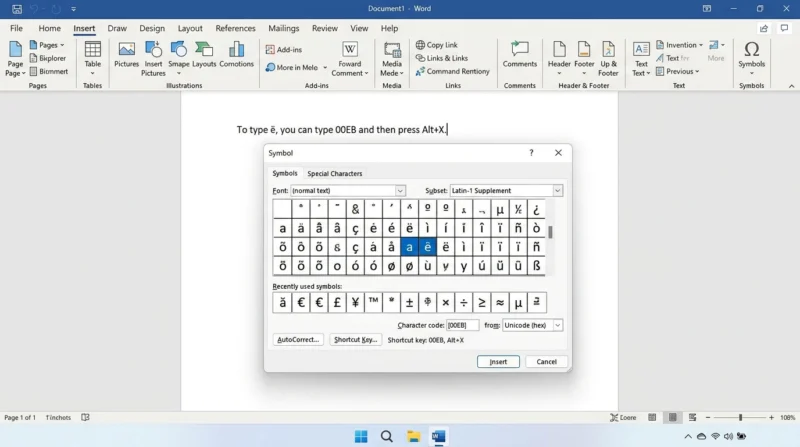
Microsoft Word supports hexadecimal character conversion natively without requiring external character maps.
- For lowercase ë, type 00EB directly into your document, then press ALT + X.
- For uppercase Ë, type 00CB directly into your document, then press ALT + X.
This conversion shortcut reads the preceding hexadecimal text string and replaces it with the corresponding UNICODE glyph.
How to Type E with Two Dots on Mac
macOS streamlines accent input through dead keys and character accent popup menus.
Using the Option Key Dead-Key Shortcut
The standard macOS dead-key sequence for a diaeresis is tied to the U key.
- Press OPT + U. The screen will not output a visible character immediately, but it primes the layout for a diaeresis.
- Release the keys and press E for lowercase ë, or SHIFT + E for uppercase Ë.
Using the Character Viewer Palette
If you prefer a visual selection interface:
- Press CTRL + CMD + SPACE to open the Character Viewer.
- Type diaeresis or umlaut into the search bar.
- Double-click the desired ë or Ë glyph to insert it into your active text field.
Typing on Mobile Devices and Google Docs
Modern cloud applications and mobile operating systems handle accented characters through touch gestures and menu systems.
iOS and Android Touch Keyboards
Virtual keyboards on smartphones and tablets rely on long-press menus.
- Tap and hold the E key on your on-screen keyboard.
- A floating selection panel will appear displaying available variations.
- Slide your finger to select ë or Ë and release.
Google Docs Special Characters
Web-based word processors manage symbols through built-in insert tools.
- Navigate to the top menu and select Insert, then Special characters.
- In the search field, type diaeresis or draw the character in the sketch pad area.
- Click on the matching ë or Ë symbol to drop it directly into your Google Doc at the cursor location.
Frequently Asked Questions
What is the UNICODE code point for E with two dots?
The lowercase ë corresponds to UNICODE code point U+00EB, and the uppercase Ë corresponds to U+00CB.
How do I type ë on a Mac keyboard?
Press OPT + U to initiate the diaeresis dead-key modifier, release both keys, and then press E.
What is the ALT code for E with two dots on Windows?
Hold down the ALT key and enter 0235 on the numeric keypad for lowercase ë, or 0203 for uppercase Ë.
What is the difference between a diaeresis and an umlaut?
A diaeresis indicates that a vowel must be pronounced separately from an adjacent vowel, whereas an umlaut modifies the phonetic sound of a vowel in Germanic languages. Both share the identical visual two-dot diacritic mark.