
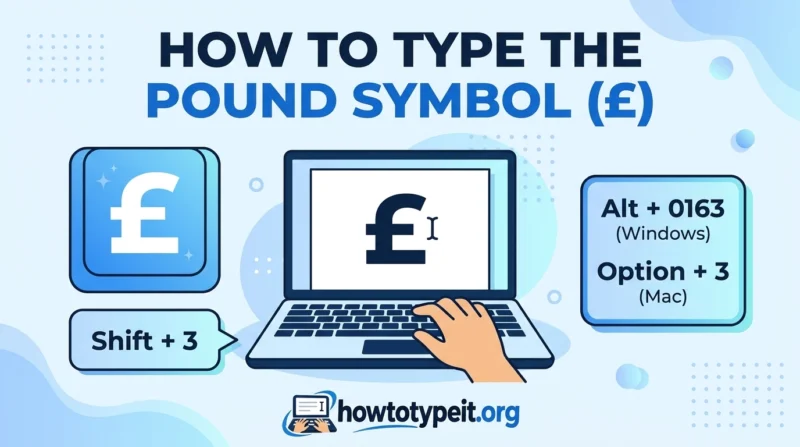
| System / Method | Shortcut or Code | Notes |
|---|---|---|
| Windows ALT Code | ALT + 0163 | Requires numeric keypad |
| Mac Shortcut (US) | Option + 3 | Direct key combination |
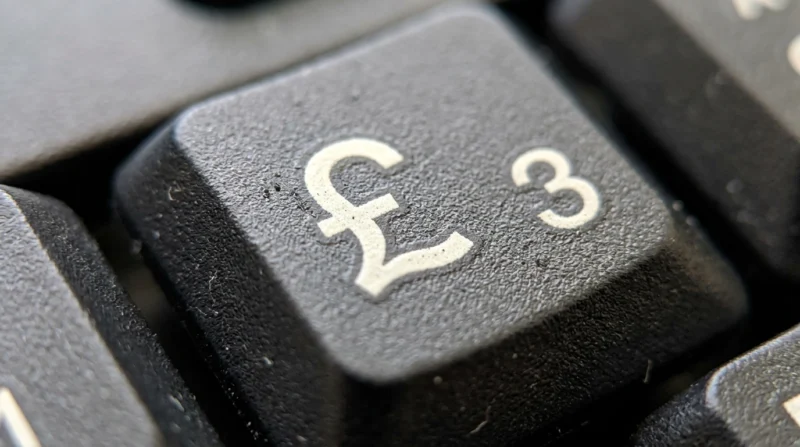
| Mac Shortcut (UK) | SHIFT + 3 | Direct key combination |
| Word Shortcut | 00A3 then ALT + X | Converts HEX to symbol |
| UNICODE | U+00A3 | Standard HEX code |
| HTML Entity | £ or £ | Web safe encoding |
Quick Answers for Typing the Pound Symbol
Windows Systems
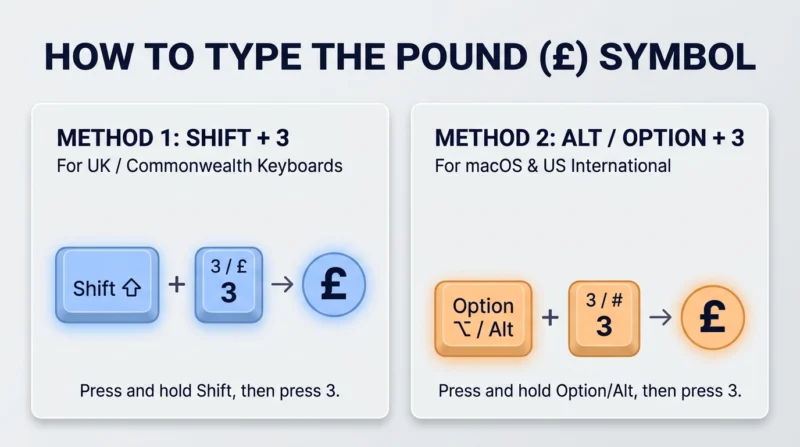
To insert the pound currency sign () on a Windows PC using a US layout, hold down the ALT key and press 0, 1, 6, 3 on the numeric keypad. If you are using a UK physical keyboard, press SHIFT + 3.
macOS Systems
Apple users running a standard US keyboard layout can press Option + 3. Users on a British layout press SHIFT + 3.
Mobile Devices
On iOS and Android, open the numeric or symbol keyboard layout, long-press the currency symbol key (), and select the pound sign () from the popup menu.
How to Type the Pound Symbol on Windows
Using the Numeric Keypad ALT Code
The standard method across all Windows applications involves the numeric keypad. Ensure that your NumLock key is active. Hold down the left ALT key, type 0163 on the numeric pad, and release the ALT key.
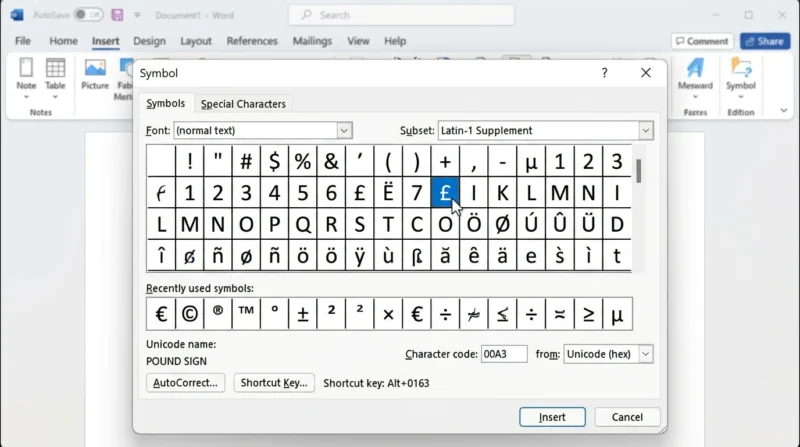
If your laptop lacks a dedicated numeric keypad, use the built-in Windows On-Screen Keyboard (WIN + R, type osk, and press Enter) to click the keys virtually. Alternatively, open the Character Map utility (WIN + R, type charmap), search for U+00A3, copy the character, and paste it into your document.
Microsoft Word Shortcut
Microsoft Word supports UNICODE HEX conversion. Type the HEX code 00A3 directly into your document workspace, then press ALT + X. The four characters will transform instantly into . You can also use the formula =CHAR(163) inside Excel cells to generate the character dynamically.
How to Type the Pound Symbol on Mac
US Layout Shortcut
Apple maps the pound currency character directly to the number row on US layouts. Hold down the Option key and tap 3.
UK Layout Shortcut
British Apple keyboards replicate standard typewriter layouts. Press SHIFT + 3 to produce . If you need the hash sign ( instead on a UK layout, use Option + 3.
Typing on Smartphones and Tablets
iOS and iPadOS
Apple iOS and iPadOS touch keyboards house currency symbols behind the primary dollar sign. Switch to the numbers and symbols view by tapping the 123 key, then press and hold the $ key. A small popup menu will reveal regional currency variants including , , , and . Slide your finger to select the pound sign.
Android Devices
Android virtual keyboards use a similar long-press pattern. Tap the ?123 button to access characters, then long-press the $ key to expose alternative currency options. Tap to insert it into your text field.
Frequently Asked Questions
How do I type the pound symbol on a US Windows keyboard?
Hold down the ALT key and type 0163 on your numeric keypad, then release ALT.
What is the Mac shortcut for the pound symbol?
Press Option + 3 on a standard US layout, or SHIFT + 3 on a British layout.
Why is my Windows ALT code not working?
Ensure that NumLock is enabled and that you are using the dedicated numeric keypad rather than the row of number keys across the top of your keyboard.
What is the UNICODE value for the pound sign?
The UNICODE code point for the pound symbol (£) is U+00A3.